****Psn 0.7 by [email]drizzt@ibeglab.org[/email]
Prerequisites
CA27.cer, dev_blind.pkg, ****Psn-v0.7.exe from here
OpenPS3FTP v1.3 or later, you can download 1.5 from here
ChangeLog
v0.7: Add support for 4.11 spoofing
v0.6: Use an empty consoleid. Warning: be sure to get my 0.6 version
v0.5: Add support for firmwares older than 3.55
v0.4: Don't use PS3DNS anymore
Installation
Install dev_blind.pkg and OpenPS3FTP on your PS3 (using FTP, external USB or what else)
Launch dev_blind and make it mount the flash
Open OpenPS3FTP
Connect via FTP to PS3 (using username root and password openbox)
Go to /dev_blind/data/cert
Rename CA27.cer to CA27.cer.bak
Put my CA27.cer as /dev_blind/data/cert/CA27.cer
Set the PS3's PRIMARY and SECONDARY DNS server to your PC's IP address
Reboot your PS3
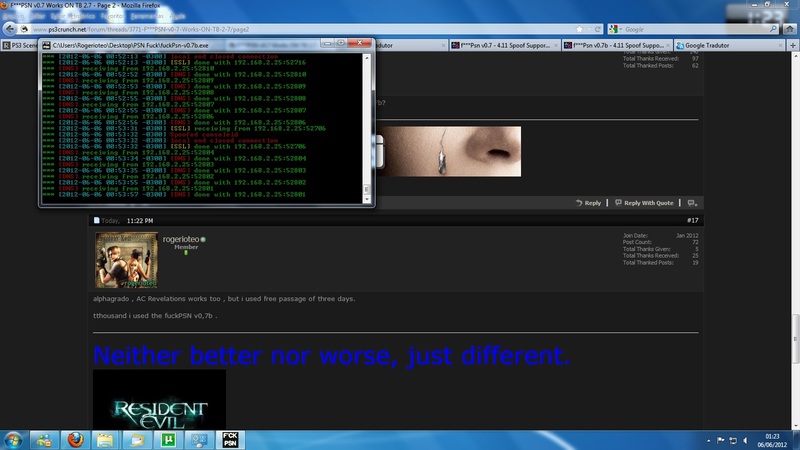
Start ****Psn-v0.7.exe
Enjoy with PSN
Warnings
If you have followed the OLD guide you need to rename the original CA27.cer to CA27.cer.bak and (my) CA24.cer to CA27.cerand you have to restore the old CA24.cer, by renaming CA24.cer.bak to CA24.cer
This is needed since some games use the original CA24.cer
If you lost original cert, you can take it here
FAQs
Q: ****PSN does not start or prints "Address already in use" as error
A: Close anything that is using port 80 or 443, try also to close skype and to disable ICS if you are using it.
Donate
If you like my work please
[URL="https://www.paypal.com/uk/cgi-bin/webscr?cmd=_flow&SESSION=fe6_9SbRn69BRMjFlCmNheMdg ECQGyerlp80mGZQJP2g_hdrnR_XFhUA2xi&dispatch=5885d8 0a13c0db1f8e263663d3faee8d0288a7fd2903afb85a5540fd 44243d03"]
Allegato 4114[/URL]
Using under Linux
Download source code
Install required gems with gem install rubydns rainbow
[Workaround] If you are using Ruby 1.9.3 you need to use a fixed RubyDNS version withwget [url]https://github.com/downloads/drizztb...+ruby1.9.3.gem[/url] && gem install rubydns-0.3.4+ruby1.9.3.gem
Launch ****Psn: sudo ./****Psn.rb
Enjoy
DEVELOPERS SECTION
Build EXE (Windows only)
Install Ruby for Windows
Install eventmachine beta gem install eventmachine --pre
Install required gems by opening the "Ruby Command Line" and typinggem install ocra rainbow rubydns windows-pr win32console
[Workaround] If you are using Ruby 1.9.3 you need to use a fixed RubyDNS version, so downloadhttps://github.com/downloads/drizztb...+ruby1.9.3.gem and install it by typinggem install rubydns-0.3.4+ruby1.9.3.gem
Launch: ocra --icon ****Psn.ico ****Psn.rb data\*
You will have ****Psn.exe file